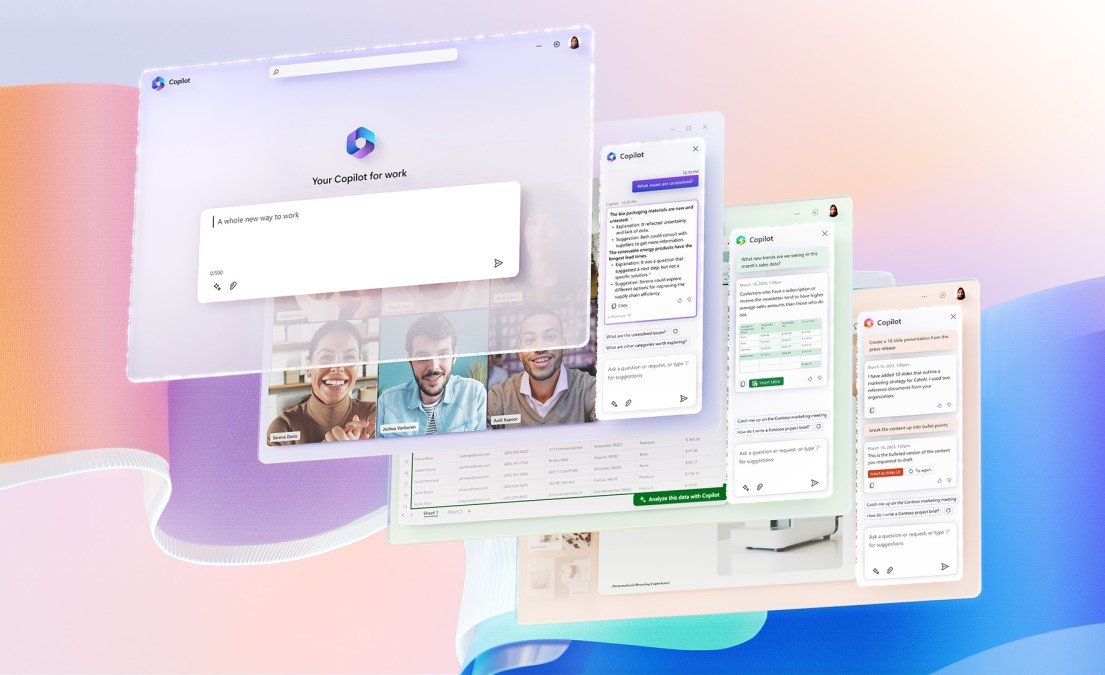
Artificial Intelligence is rapidly changing how work gets done. Organizations are no longer asking if they should adopt AI—but how quickly and effectively they can integrate it into everyday workflows. This is where Microsoft 365 Copilot comes in, bringing the power of AI directly into the tools employees already use every day.
Microsoft 365 Copilot is not just another AI tool—it’s a productivity partner designed to help organizations work smarter, faster, and more creatively.
What Is Microsoft 365 Copilot?
Microsoft 365 Copilot is an AI-powered assistant embedded across Microsoft apps such as Word, Excel, PowerPoint, Outlook, and Teams. It combines:
The result is contextual, secure, and intelligent assistance that enhances how people create, analyze, communicate, and collaborate.
Why AI-Powered Productivity Matters
Modern workplaces are overwhelmed with information—emails, meetings, documents, and data spread across systems. Employees spend more time searching, summarizing, and updating than doing high-value work.
Copilot helps organizations:
Reduce time spent on repetitive tasks
Turn data into insights instantly
Improve communication and collaboration
Enable faster, better decision-making
AI becomes part of the daily workflow—not a separate system to learn.
How Microsoft 365 Copilot Transforms Work
Smarter Content Creation
Copilot helps draft documents, presentations, and emails in seconds—while allowing users to refine tone, length, and style.
Data Analysis Made Simple
In Excel, Copilot can analyze data, identify trends, create summaries, and generate visualizations using natural language prompts.
More Effective Meetings and Collaboration
In Teams, Copilot summarizes meetings, highlights action items, and answers questions—ensuring no insight is missed.
Inbox and Communication Efficiency
Copilot helps prioritize emails, draft responses, and summarize long threads, reducing overload and improving responsiveness.
Security, Privacy, and Trust by Design
One of the biggest concerns around AI adoption is data security. Microsoft 365 Copilot is built on Microsoft’s enterprise-grade security and compliance framework:
Respects existing permissions and access controls
Keeps organizational data private and protected
Complies with enterprise security and regulatory standards
This ensures AI innovation without compromising trust.
Driving Business Impact with Copilot
Organizations using Microsoft 365 Copilot can unlock:
Increased employee productivity
Faster turnaround on tasks and decisions
Better use of organizational knowledge
Improved employee satisfaction and creativity
Copilot helps teams focus on strategic, high-impact work—while AI handles the busywork.
Getting Started with AI in the Workplace
Successful adoption of Microsoft 365 Copilot starts with:
Clean, well-governed data
Strong identity and access controls
Change management and user enablement
Clear use cases aligned with business goals
When implemented thoughtfully, Copilot becomes a catalyst for AI-driven transformation.